
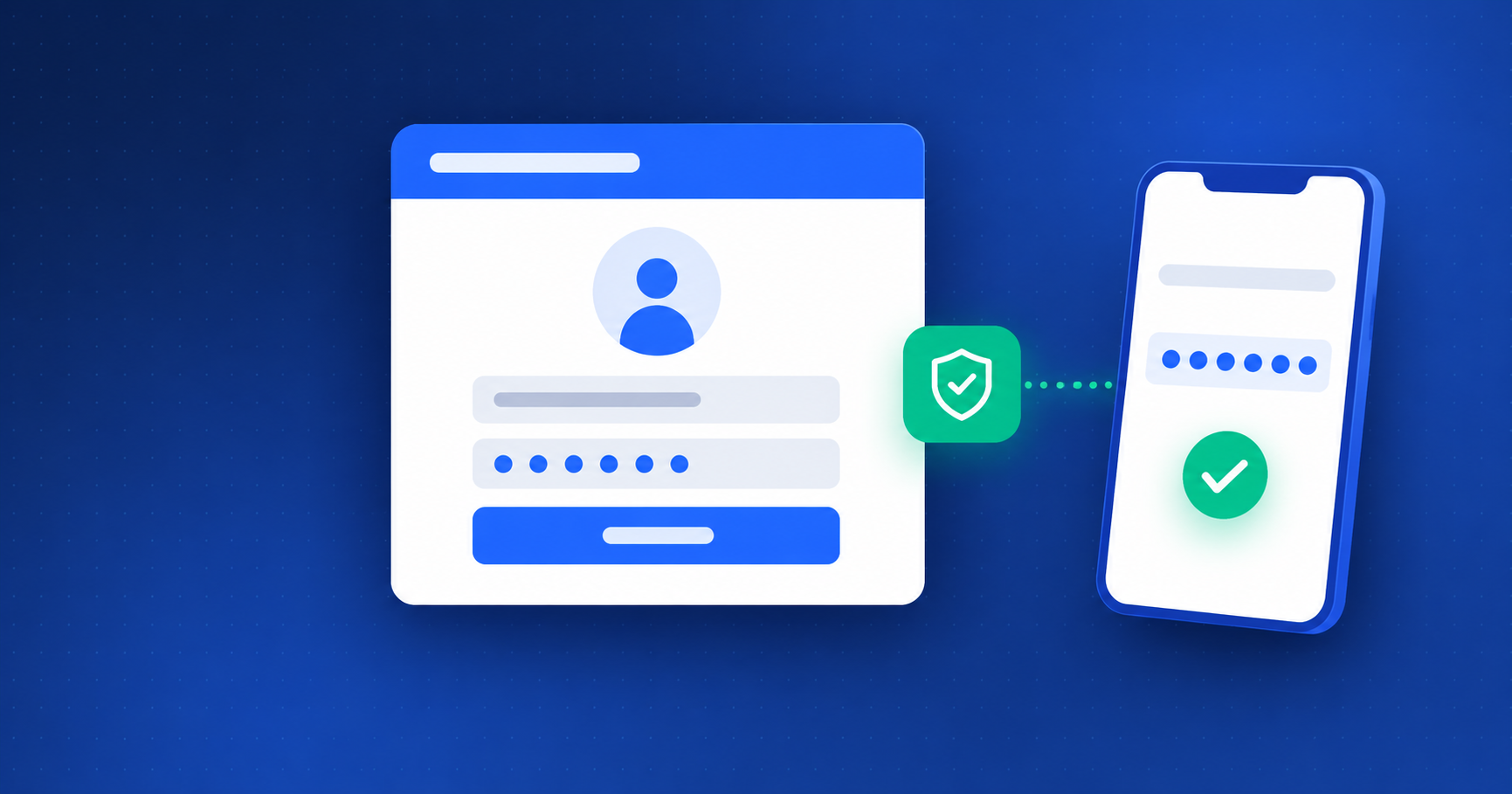
A password and a temporary code add protection to the accounts that view and review your files. Here is how to enable it in DOSSIER.TN.
Why add a second check?
Your team accesses contact details, supporting documents and decisions. If a password is compromised, two-factor authentication adds a step: the person must also provide the temporary code from their authenticator app.
2FA is included in DOSSIER.TN plans. It protects your team’s accounts; it does not turn the applicant’s personal link into a user account.
How to enable it
- The company Master enables mandatory two-factor authentication in the security settings and confirms with their password.
- Each member links their account to a compatible app, such as Google Authenticator or Microsoft Authenticator, by scanning the QR code shown in the secure workspace.
- The member enters a valid code to confirm the setup, then stores their recovery codes somewhere safe.
- When prompted during sign-in, the member enters the app code in addition to their password.
New companies start with this requirement disabled. When the Master enables or disables it, the members’ sessions, including the Master’s, are closed: everyone signs in again under the new setting.
If you lose your phone
Recovery codes let you regain access without the configured phone. Each code works once. Do not share them by email or upload them to a client file. If you no longer have the authenticator or a recovery code, contact support for the recovery procedure.
Three complementary protections
- Roles and permissions determine who can view, edit or approve.
- Two-factor authentication strengthens access to team accounts.
- The personal link lifetime, permanent or adjustable from 1 to 3,650 days, limits the applicant’s access to their file. Link expiry does not delete documents and does not replace the subscription’s retention policy.
Getting started? The industry template assistant suggests fields and documents to select. This help is optional: change text, order and requirements, or create your own items. Your organisation stays your own.