

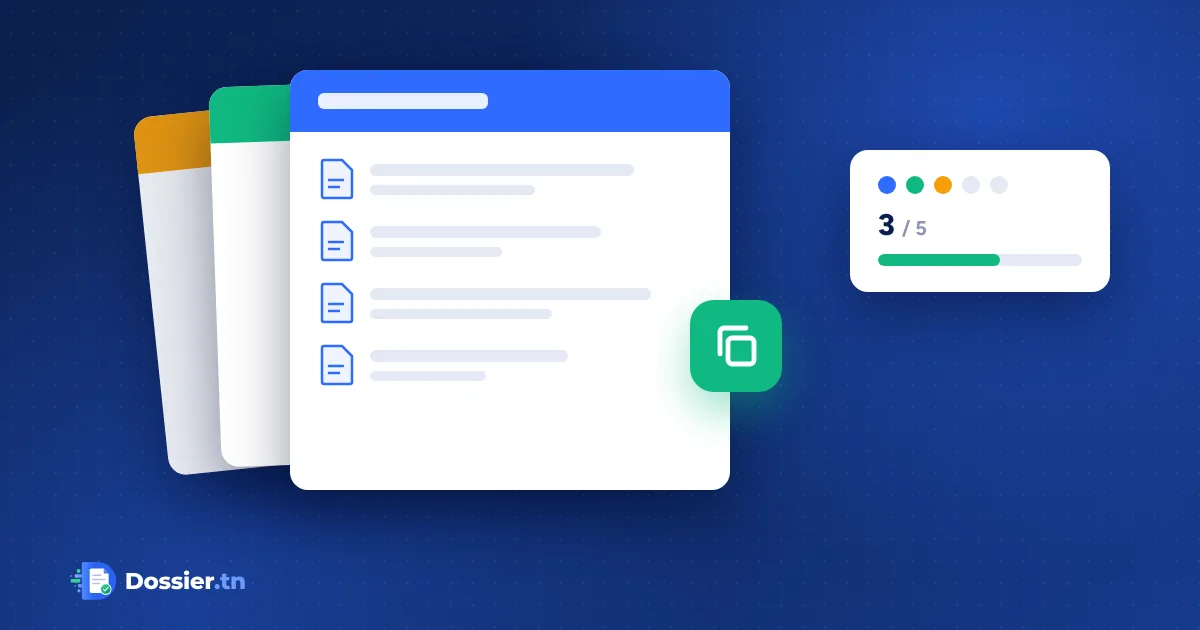
Account opening, hiring, complaints: each type of request has its own file template, with its own documents, instructions, messages and colour, in the same company workspace.
A company rarely handles just one type of request. An agency opens accounts, renews contracts and follows up complaints; an HR department hires employees and welcomes interns. Each request has its own documents, instructions and messages. With multiple templates, Dossier.tn lets you create one file template per type of request, in the same company workspace.
What is a file template?
A template describes what you ask your client for and how you process it:
- the documents and information to collect, required or optional;
- the instructions, help videos and input rules;
- the file’s workflow, the rejection reasons and the summary shown at the top of the file;
- the email and SMS texts, step by step;
- DossierBoy’s review instructions, if you have the add-on.
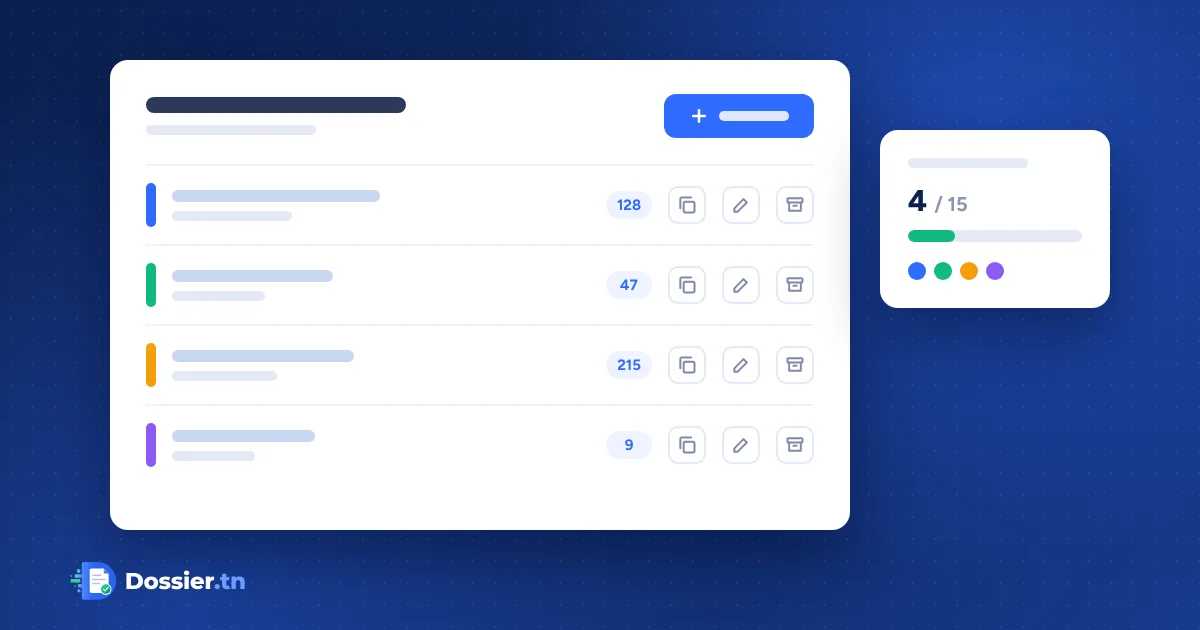
Each template has a name and a colour that your team sees everywhere: in the list of files, at the top of each file and in the settings, where a header always shows which template you are editing.
Create, duplicate, archive
The “File templates” page brings your templates together, with their number of files and the places used in your plan. You can create a template, edit it, duplicate it to start from an existing one, archive it or reactivate it. A duplicated template is independent: changing it does not change the original.
Archiving a template frees its place without deleting anything: its files remain available and are processed as usual.
Find your files by template
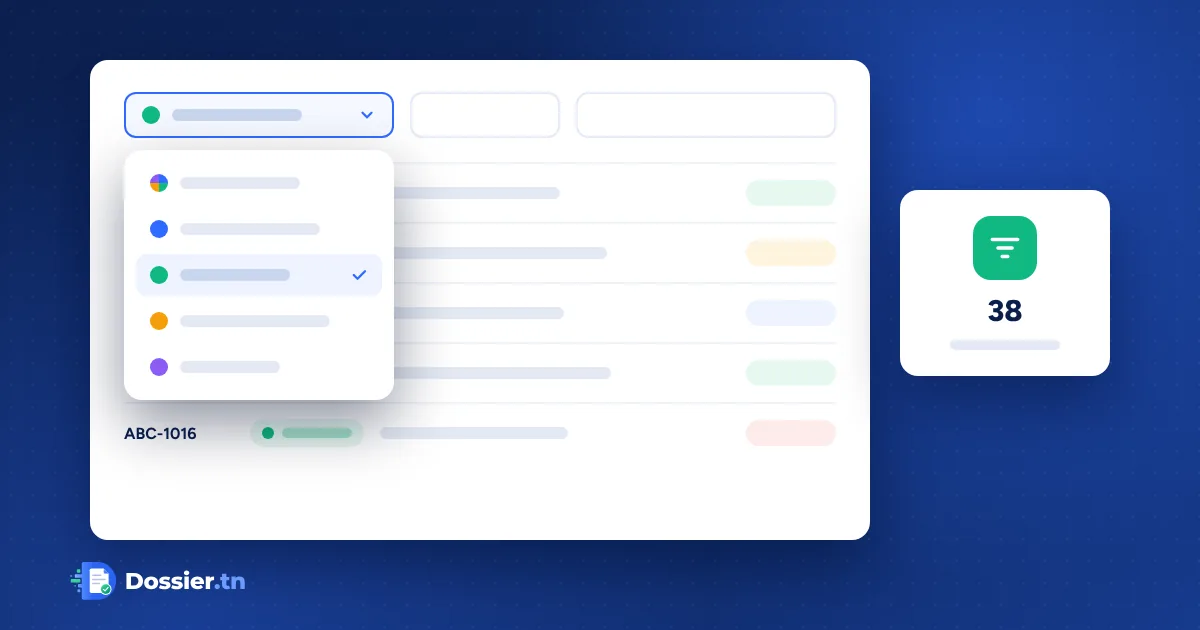
In the list of files, a selector shows “All templates” or a specific one, and works with your usual filters; the counters follow your choice. When you create a file, the template selected in the list is suggested. With a single template, nothing changes: no step is added.
Numbering stays common to the whole company: ABC-1009, ABC-1010… whatever the template.
For your client, nothing changes
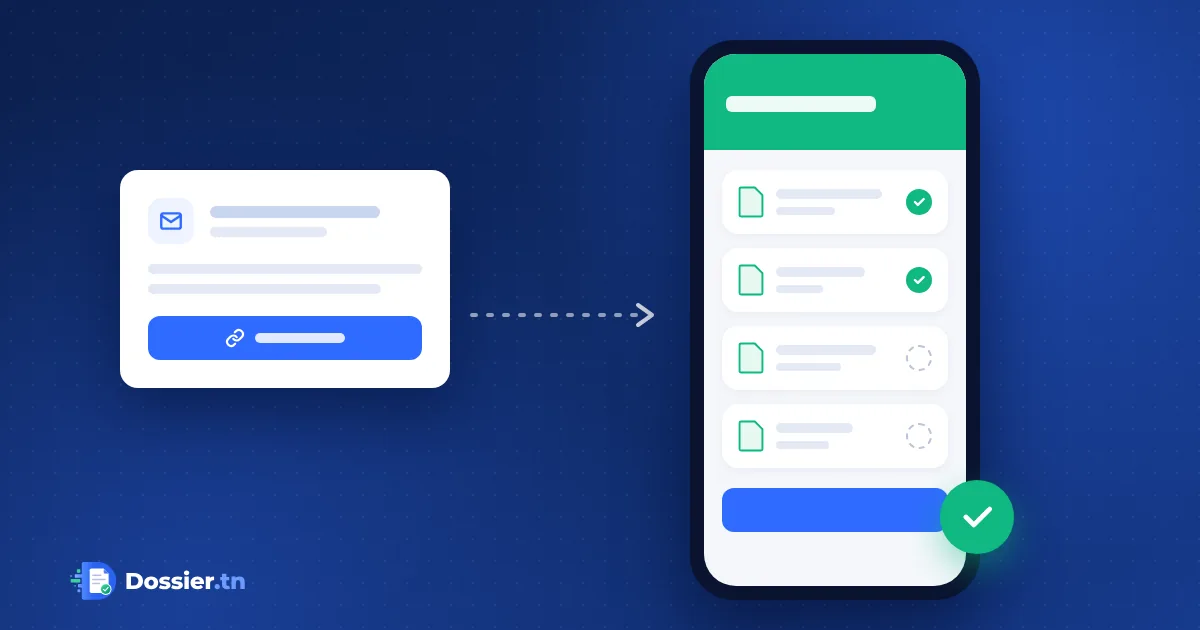
The client still receives their personal link, which opens the right file directly. They see the documents, instructions and rules of that template, and have no template to choose.
How many active templates in each plan?
- Starter: 2 active file templates
- Pro: 5 active file templates
- Business: 15 active file templates
- Custom: to suit your needs
Your first template counts towards this number. Monthly files, storage, team, security, sending channels and DossierBoy are shared by all the company’s templates.
Forms and API
Your current forms and integrations keep creating their files as before. With the API, you can also list your templates and choose the template of each new file.
Where to start
Start from your current template: duplicate it, give it a name and a colour, then adapt its documents, instructions and messages to the new type of request.