
Documents lost in chats, unnamed photos, mixed-up versions: how to receive complete, tidy files through a single personal link.
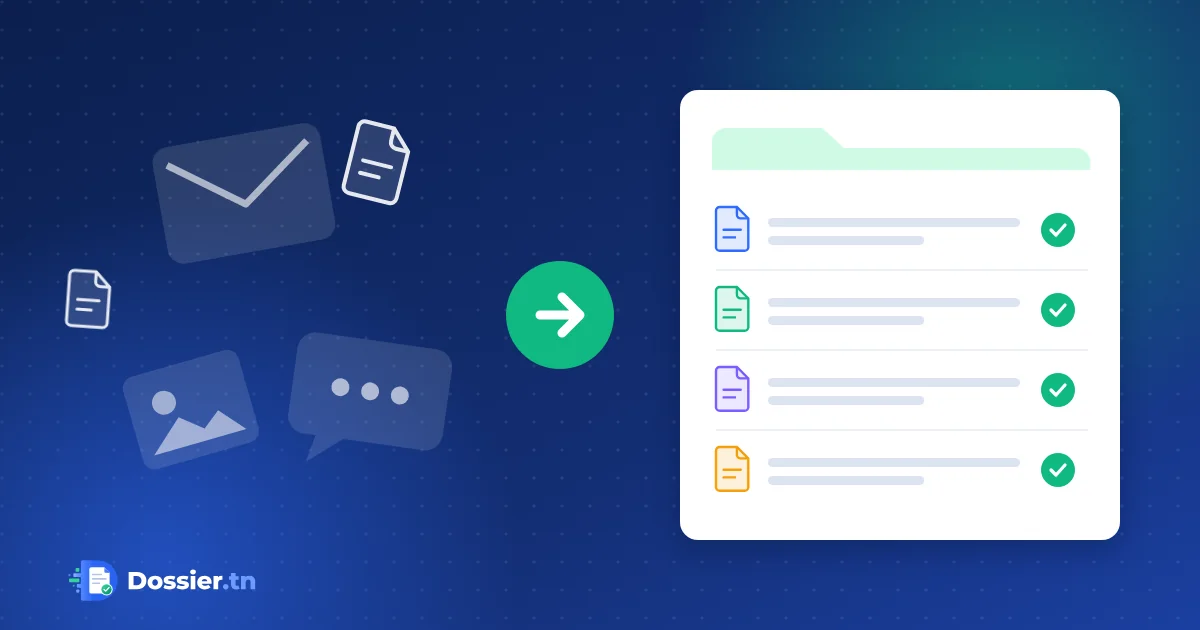
Email and WhatsApp are handy for talking, much less for building a file. Documents get lost in conversations, photos arrive without a name, and nobody knows which version is the right one.
What messaging really costs
- Files are scattered across several inboxes and phones.
- Each document has to be renamed, filed and checked by hand.
- Personal data travels through private accounts, outside your tools.
- When a colleague takes over the file, they have to read everything again.
What changes with an online file
The customer receives a personal link by email and, if you wish, by SMS. They see the list of expected documents, upload each one in its place and know what is still missing. Your team finds a tidy file, with every document where it belongs.
One decision per document
Each document is approved or rejected separately, with one or more reasons. The customer only resends what needs fixing, and the new version is added to the history without erasing the old one.
Where to start
Take the file you handle most often, list its documents and your usual rejection reasons: that is your first file template.